
Digital Estate Planning: The Inventory Every Guide Tells You to Make
Read any article on digital estate planning and step one is the same: make a list of your online accounts. Then the article ends and the list is still your problem.
This is the list. Tick what you use, set how many, and you get two numbers: how many accounts you would leave behind, and how many of them an executor cannot simply open. Most people guess about eight.
Nothing is saved and nothing is sent anywhere. If you download the list, the file is written in your browser.
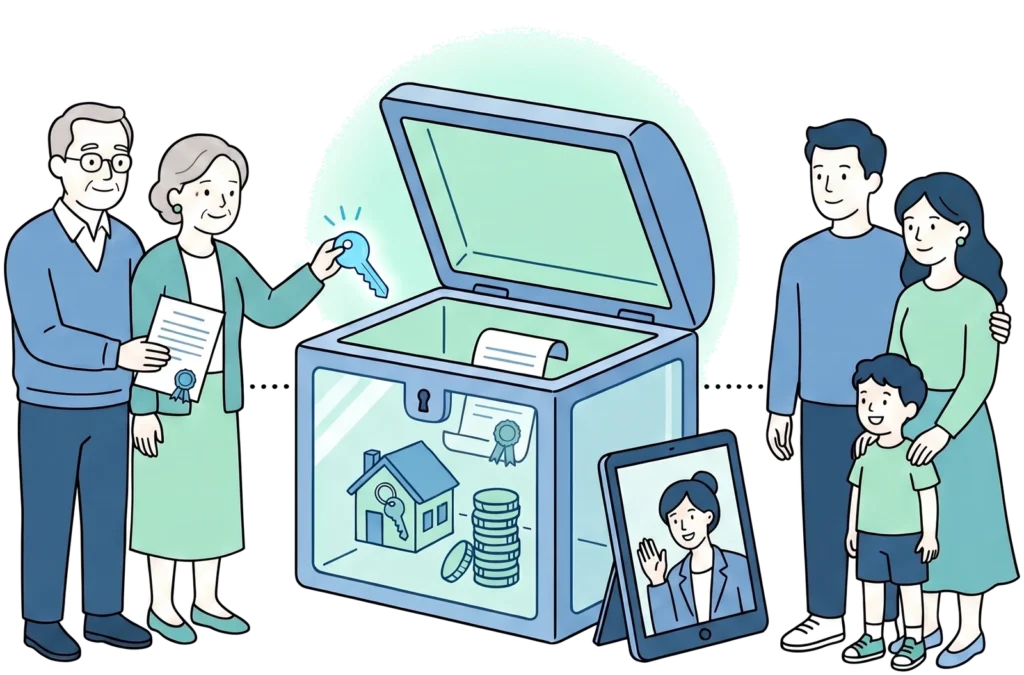
Count what you would leave behind
Twenty-four categories, grouped the way life is rather than the way the law is. Go through all five groups before you look at the total.
Accounts you would leave behind
Tick a few boxes above to see the count.
Of those, the ones an executor cannot simply open
- The breakdown turns up here once you have ticked something.
Almost every state has adopted the Revised Uniform Fiduciary Access to Digital Assets Act, which draws a line between the list of your messages and what is inside them. An executor can generally reach the first. The second usually needs consent you left in writing, either in your plan or in the tool the provider gives you for exactly this. Terms differ between providers, and nothing here is legal advice.
Written in your browser. Nothing is uploaded and no copy is kept here.
This hypothetical example is used for illustrative purposes only. Actual results will vary.
This information is not intended as tax, legal, investment, or retirement advice or recommendations, and it may not be relied on for the purpose of avoiding any federal tax penalties. You are encouraged to seek guidance from an independent tax or legal professional. The content is derived from sources believed to be accurate.
Which accounts an executor can reach turns on the terms of each provider and on the rules of the state where the estate is settled. The grouping here follows the general rule and is a starting point for a conversation, not a ruling on any particular account.
What actually stops an executor, and what fixes it
Most writing on this treats locked accounts as one problem. They are four, and they have four different answers.
- Nothing in the way. Banks, brokerages, utilities. An executor with the court paperwork deals with these the way they always have.
- Needs permission you gave in writing. Email, messages, photos, cloud files. Almost every state has adopted the Revised Uniform Fiduciary Access to Digital Assets Act, which separates the catalogue of a message, meaning who wrote to whom and when, from what the message actually says. An executor can generally reach the first. The second usually needs consent you left behind on purpose.
- Needs the credentials, and permission does nothing. A password manager, a crypto wallet, a phone behind a passcode. No document opens these. If nobody has the passphrase, what is inside is gone, and a court order does not change that.
- Cannot be handed on at all. Airline miles, gaming accounts. The terms commonly say the account is personal and ends with the person, so the value people assume is inheritable often is not.
The reason the split matters is that only the second group is solved by paperwork. The third is solved by where you keep a passphrase, and the fourth is solved by knowing in advance that nobody should count on it.
The tools the big providers already give you
Several of the companies holding your most personal accounts have built a way to name someone in advance. None of it is switched on by default, and none of it appears in a standard estate plan unless you go and set it up.
- Google Inactive Account Manager. Decides what happens to Gmail, Photos and Drive after a period of inactivity you choose, and who is told.
- Apple Legacy Contact. Names a person who can request access to your iCloud data, using a key Apple generates when you set it up. Print that key and keep it with your documents, because without it the setting does very little.
- Facebook Legacy Contact. Decides whether the profile is memorialised or removed, and who can manage it.
Worth knowing: a choice made inside one of these tools generally carries more weight than an instruction in your will, because it is consent you gave the provider directly. That is useful when the two agree and a problem when they do not, so set them to say the same thing.
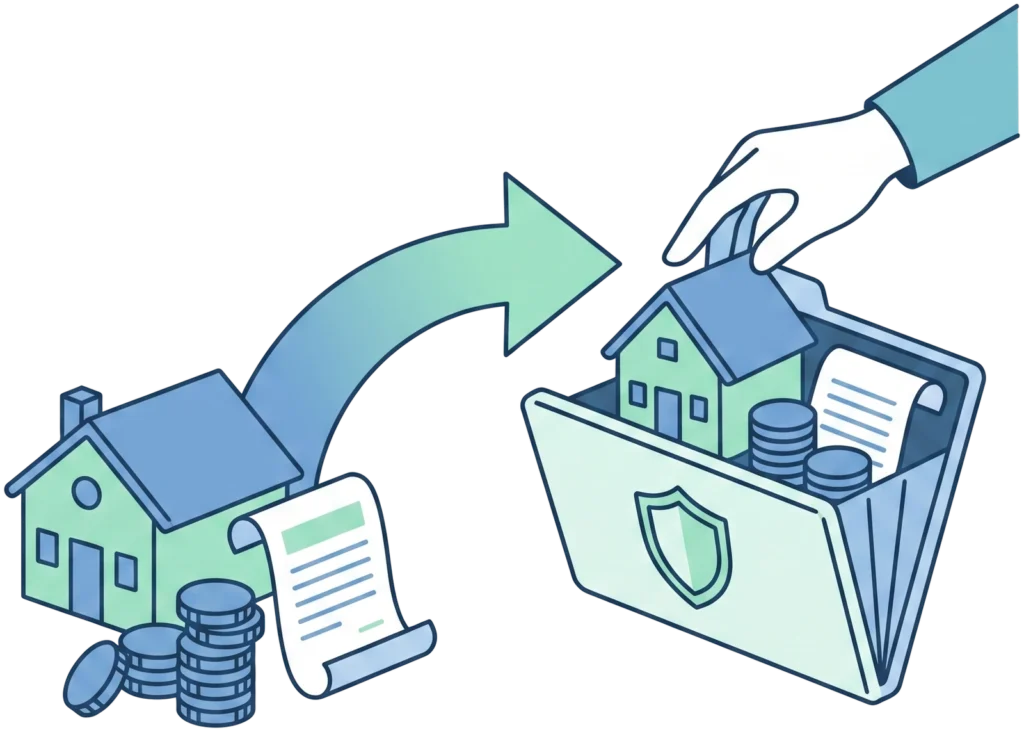
Do not put passwords in your will
It is the most natural instinct and one of the worst ideas on this page.
A will that goes through probate becomes part of a court file, and court files are public records. Anything written inside it, including a password or a wallet phrase, is readable by anyone who asks for the file. By the time the document is doing its job, the credentials in it have been sitting in the open for months.
The list belongs somewhere else, and the plan points at it. Where you keep it is a practical decision rather than a legal one: a password manager with a recovery contact, a sealed envelope with the person you named, a safe deposit box the executor can reach. What matters is that the plan says where to look, and the place itself holds the keys.
Questions about the digital side of an estate
What is a digital estate plan?
An inventory of your online accounts, a decision about what should happen to each, and permission recorded where it counts. The inventory is the part everybody skips, which is why this page starts there.
Why can my executor not just log in?
Sharing credentials is against the terms of most services, and for private messages there is a separate rule about consent. An executor acting without either is doing something the provider can treat as unauthorised, which is a bad position for the person you trusted most.
What happens to accounts nobody deals with?
Subscriptions keep charging until a card is stopped. Social profiles stay up. Photo storage sits behind a login until the provider decides on its own timetable. None of it is dramatic, and all of it lands on somebody at the worst moment.
Does the file you download get stored anywhere?
No. It is written by your browser and handed straight to your downloads folder. No copy is sent to this site, which is why you should be equally careful about where you save it afterwards.
Should the list include passwords?
No. The downloadable list records what exists and who would struggle to reach it. Keep the credentials themselves somewhere built for credentials, and let the plan say where that is.